

Download PPSSPP PSP Emulator 2026 for mobile, latest version for free, to run PSP games on Android easily. Enjoy fast performance and high-quality graphics with a complete guide on installation, settings, and troubleshooting.
Table of Contents
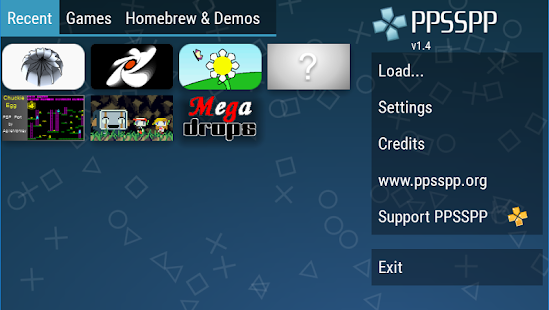
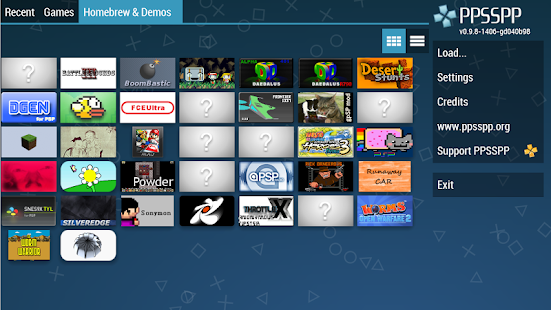
If you want to play PlayStation Portable games on your phone, the PPSSPP 2026 version offers the best performance and enhanced graphics with advanced settings for all devices. In this guide, you will find direct download links, installation steps, FPS optimization, and solutions for common issues.
--- ## 2026 Version Overview and Key BenefitsPPSSPP provides an optimized experience for running PSP games in HD resolution, with save state support, save file migration from original PSP devices, and compatibility improvements. The 2026 release focuses on frame stability and touch UI responsiveness.
### Top Features: * **High-Definition Upscaling:** Enhance game resolution with anti-aliasing. * **Save & Restore:** Instantly save your progress anywhere. * **Custom Controls:** Adjustable on-screen buttons and Bluetooth controller support. * **Texture Scaling:** Options to increase texture clarity for a modern look. --- ## System Requirements and Compatibility To get the best FPS, ensure your device meets these guidelines:| Feature | Minimum | Recommended |
|---|---|---|
| OS | Android 6.0 | Android 11 or higher |
| Processor | Octa-core 1.8GHz | Octa-core 2.2GHz+ |
| RAM | 2GB RAM | 4GB RAM or more |
| Storage | 22MB (App) | 5GB+ for Game ISOs |
- Download: Get the APK file from the secure link below.
- Enable Security: Go to Settings > Security > Enable "Unknown Sources".
- Install: Open the APK and tap "Install".
- Add Games: Place your ISO/CSO files in a folder like `Downloads/PSP`.
- Play: Open PPSSPP, browse to your folder, and start the game.
Available Versions of PPSSPP - PSP Emulator
Does PPSSPP come with games?
No, PPSSPP is just an emulator. You must provide your own legally owned game files in .ISO or .CSO format.
What is the difference between Blue and Gold versions?
The performance is identical. The Gold version is a way to support the developer and features a different icon.